01
レイアウトLayout
行・列、サイズ、余白、ラベル、バッジ。ダッシュボードの格子を自分の車に合わせます。
Rows, columns, size, padding, labels, and badges. Fit the grid to the car, not the other way around.
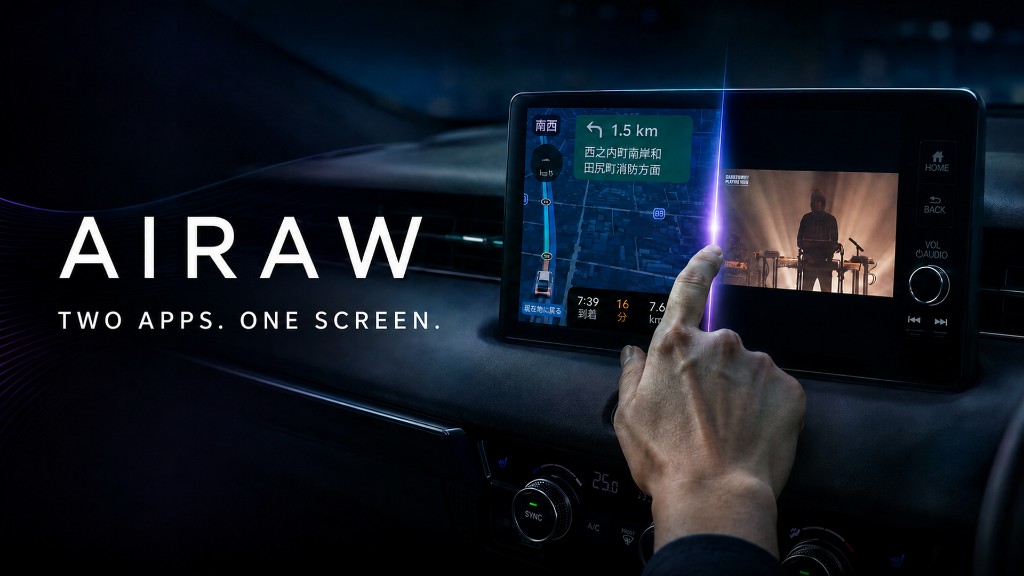
2つのアプリ。1つの画面。 Two apps. One screen.
Airaw は iOS 14 から iOS 26 の Apple CarPlay を拡張するジェイルブレイク Tweak です。レイアウト、壁紙、ウィジェット、フルスクリーン、Split View に対応します。 Airaw is a jailbreak tweak that customizes Apple CarPlay on iOS 14 through iOS 26 — layout, wallpaper, widgets, fullscreen apps, and Split View.
2×4 のアイコンでは足りない。Airaw は CarPlay のホームを、情報とアプリが同居する画面に変えます。 Stock CarPlay is a small icon grid. Airaw turns the home screen into a place for information, wallpaper, and the apps you actually use.
行・列、サイズ、余白、ラベル、バッジ。ダッシュボードの格子を自分の車に合わせます。
Rows, columns, size, padding, labels, and badges. Fit the grid to the car, not the other way around.
静止画、スライドショー、GIF。CarPlay の画面に合わせてフィットできます。
Stills, slideshows, GIFs. Fit the image to the CarPlay screen.
時刻、天気、バッテリー、位置。運転席側に合わせて、上・下・左・右へ置けます。
Time, weather, battery, position. Put it top, bottom, left, or right for the driving side.
Airaw ホスト、Hosted Scene(iOS 16+)、CarBridge。ノッチ処理とフルスクリーンをアプリごとに。
Airaw host, Hosted Scene (iOS 16+), or CarBridge. Notch handling and fullscreen, per app.
iOS 16+ の有料アドオン。純正アプリは Native、Airaw / CarCast は Standard。
Paid add-ons on iOS 16+. Native for official CarPlay apps, Standard for Airaw and CarCast.
モジュールは iOS 14 以降で使えます。HTML は iOS 14–15。iOS 16 以降の HTML は未導入です。
Module widgets work on iOS 14+. HTML works on iOS 14–15. HTML is not available on iOS 16+ yet.
Split View と、ウィジェット付きの CarPlay ホーム。画面を切り替えて見てください。 Split View and widget home screens. Switch between them.
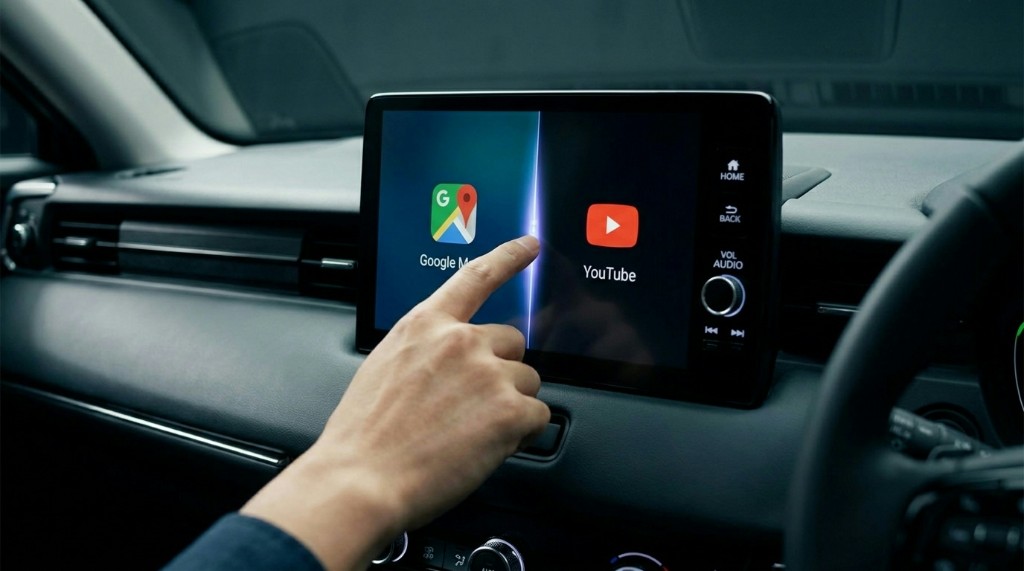
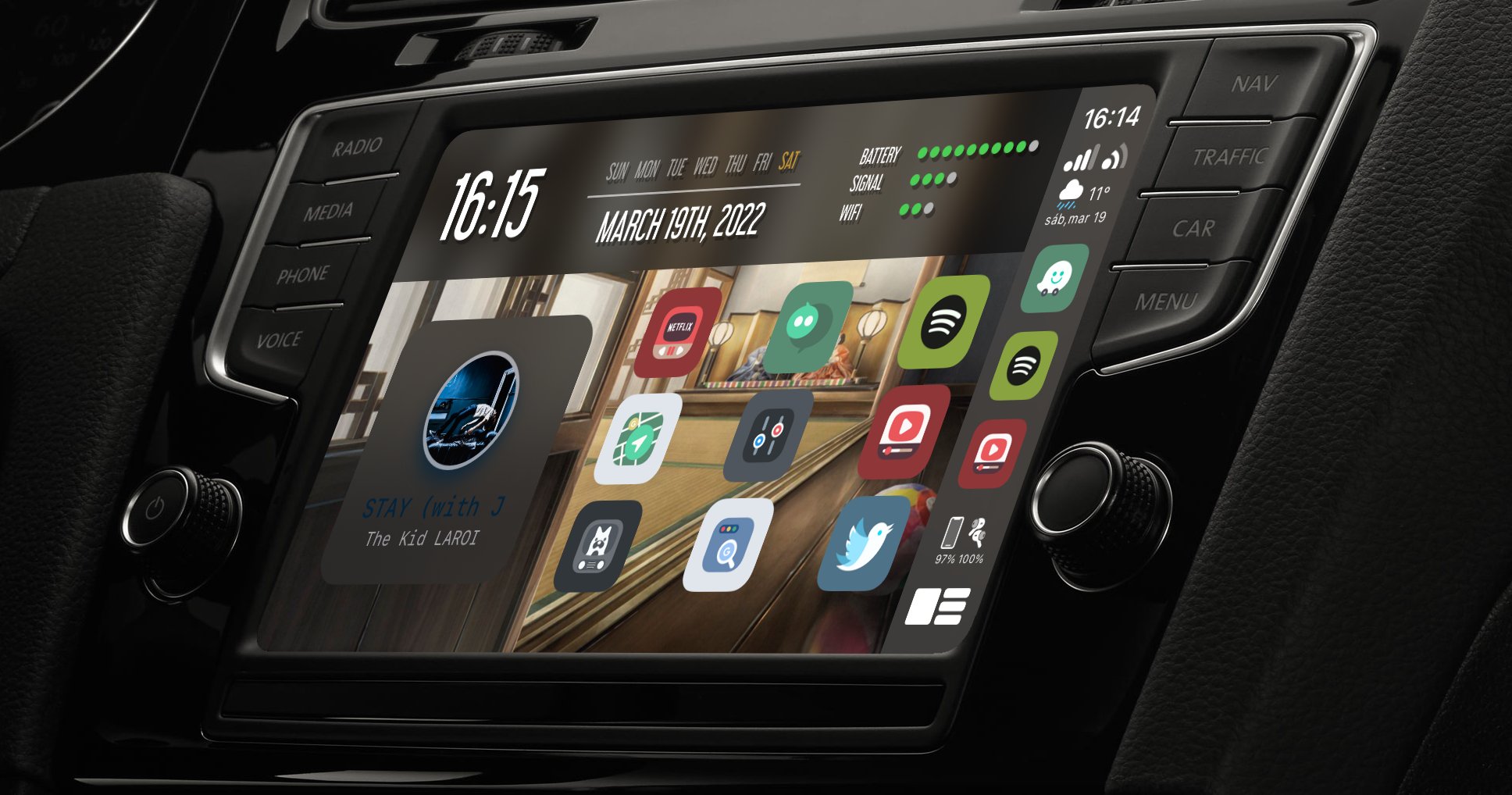
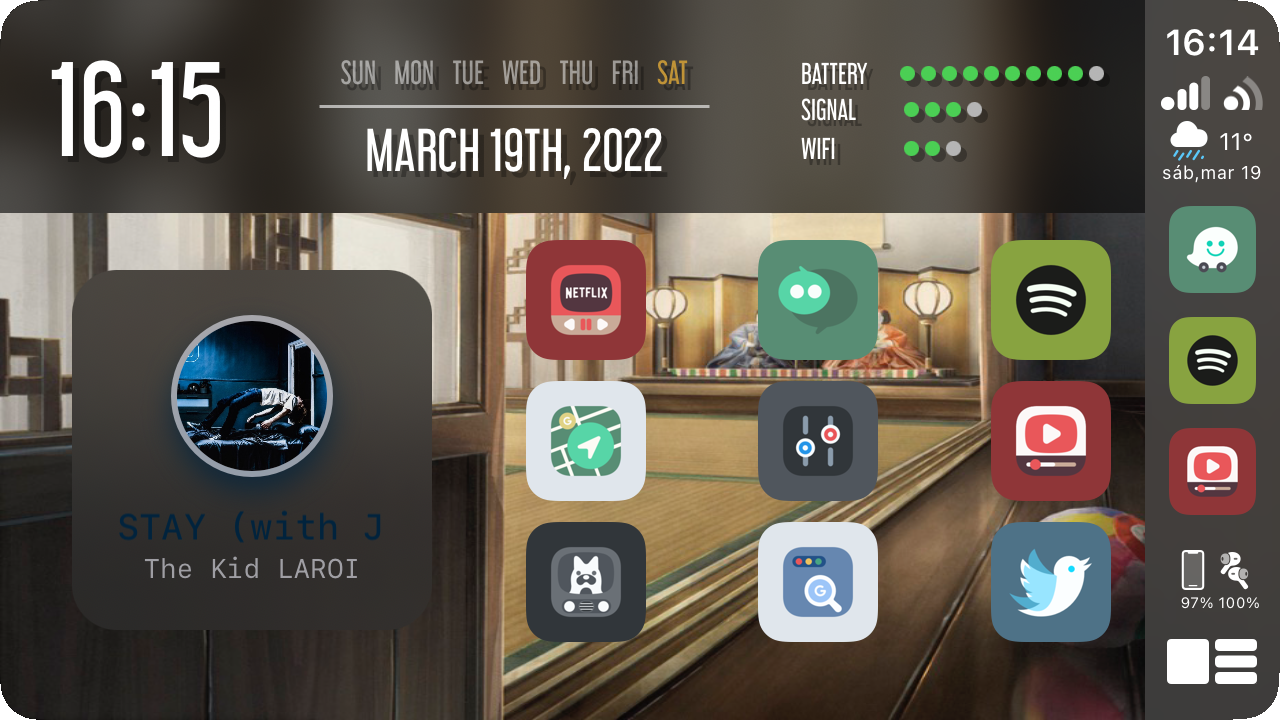
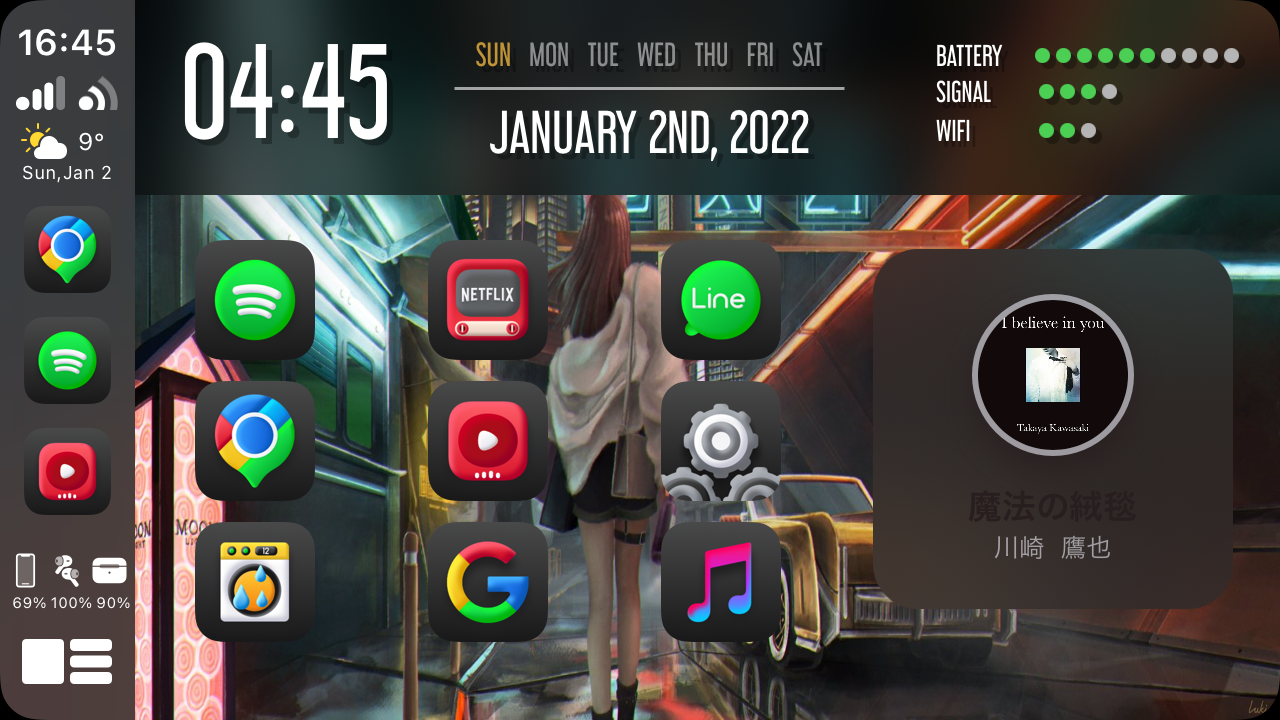
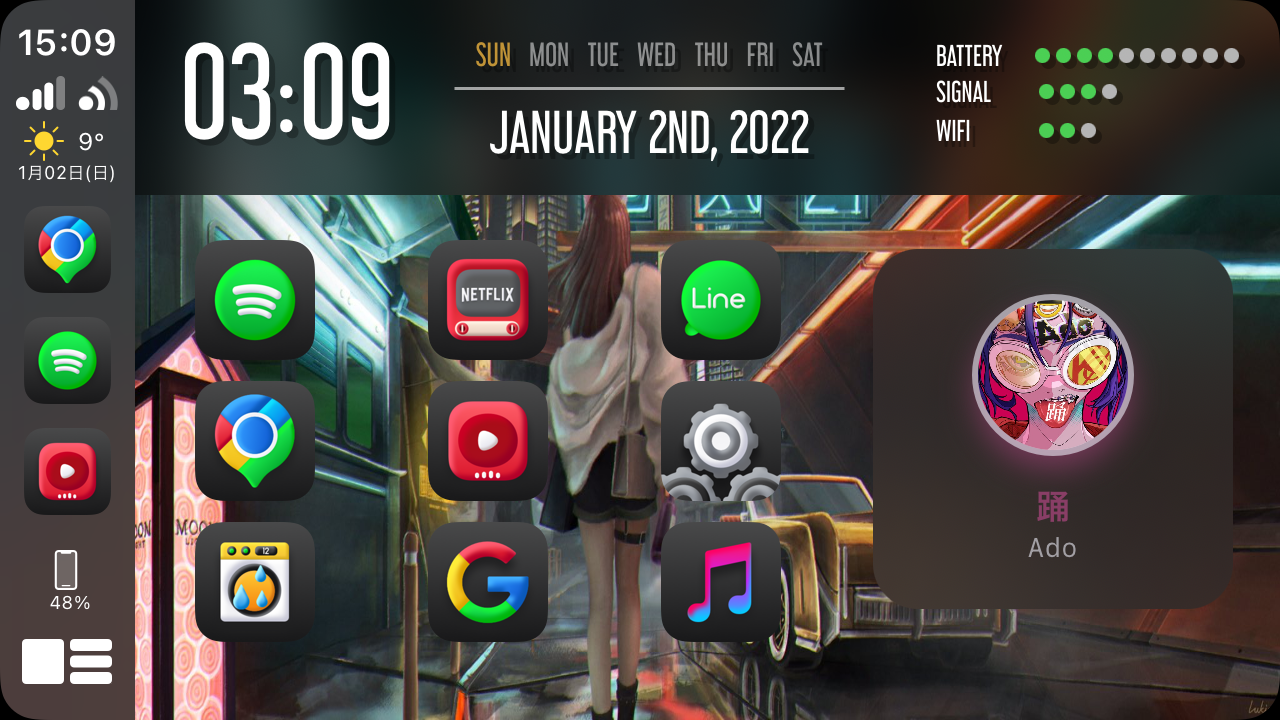
Split View — drag the divider.
本体が基盤。アプリ追加、Split View、見た目は別パッケージです。CarCast と CarBridge は同時に入れないでください。 The core is the foundation. Apps, Split View, and visuals ship as separate packages. Do not install CarCast and CarBridge together.
Airaw 1.7.0。iOS 26 対応。セットアップから製品群まで、一本のブランドです。 Airaw 1.7.0. iOS 26 support. One brand from first-run setup to the add-on family.